
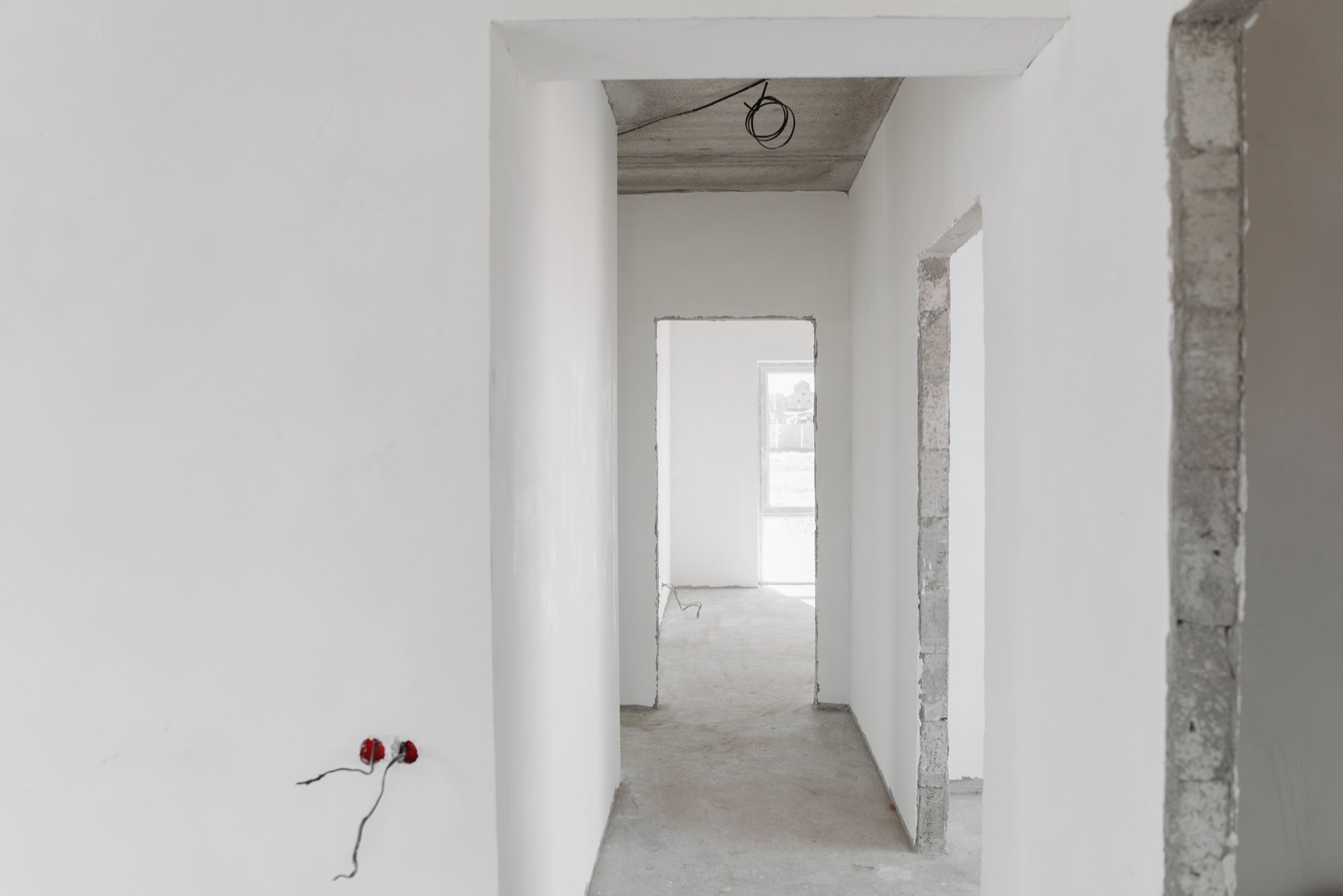
EXAMPLE2026-11-0109:4114 Willow Lane
Track work progress.
Keep the date, time and location visible on your site photos.
 TimestampCamera
The where. The when.
Keep the where and when visible, from everyday moments to work photos.
Add proof to new photos as a signed QR record, then check its data in Timestamp Camera.
See everyday examplesIn Settings, under Proof of Location, turn on Add Proof. Adding proof requires Premium.
Capture a new photo with proof enabled.
In Settings, under Proof of Location, choose Validate Proof and select an image to read its recorded location and time and check the data signature.
Verification checks the data signature. The time comes from the location data. It does not establish the photographer’s identity, GPS accuracy, or a match between the data and that photo.
Illustrative scenarios
Keep the date, time and location visible on your site photos.
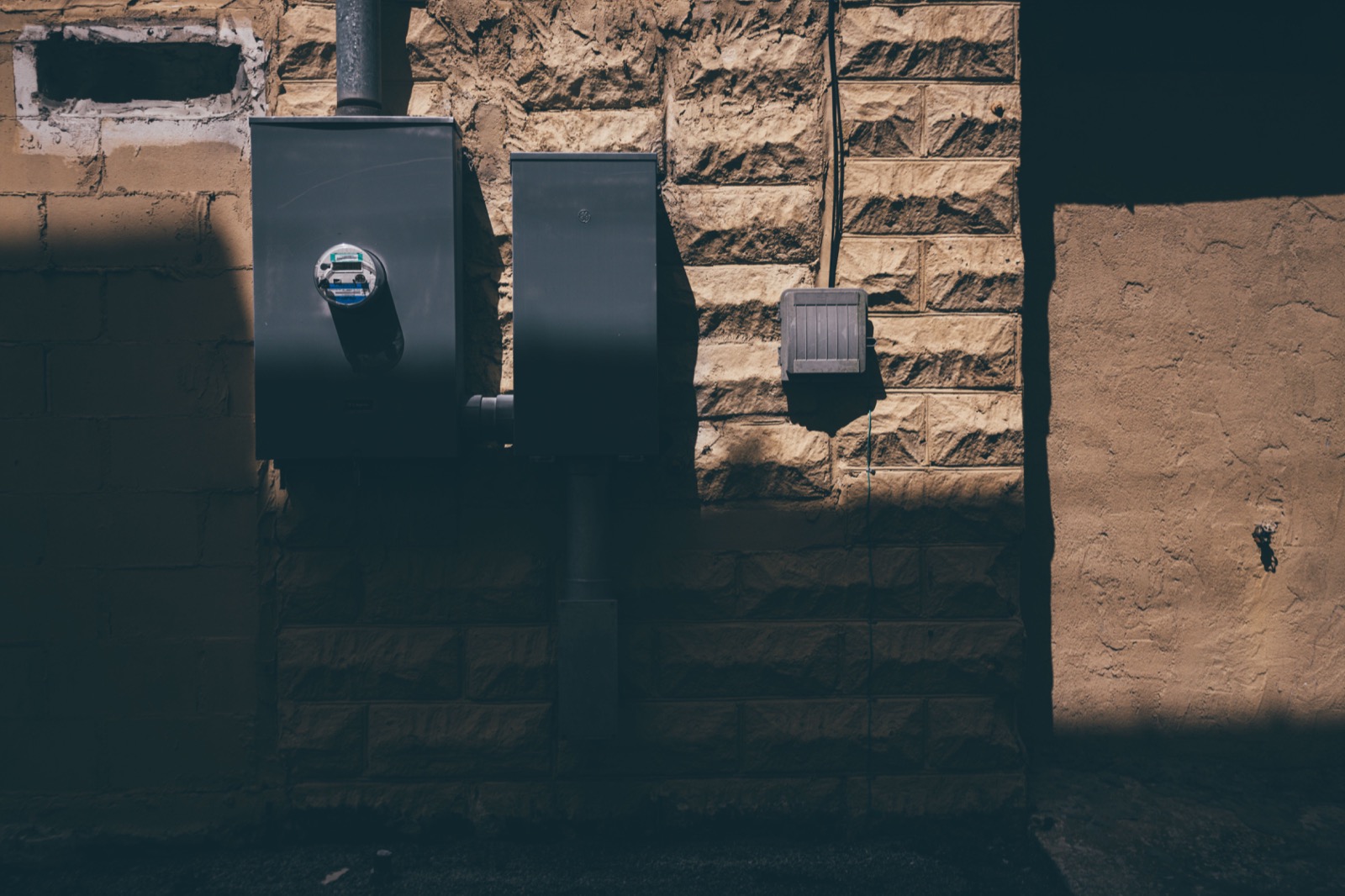
Add date and location stamps to the details you photograph.
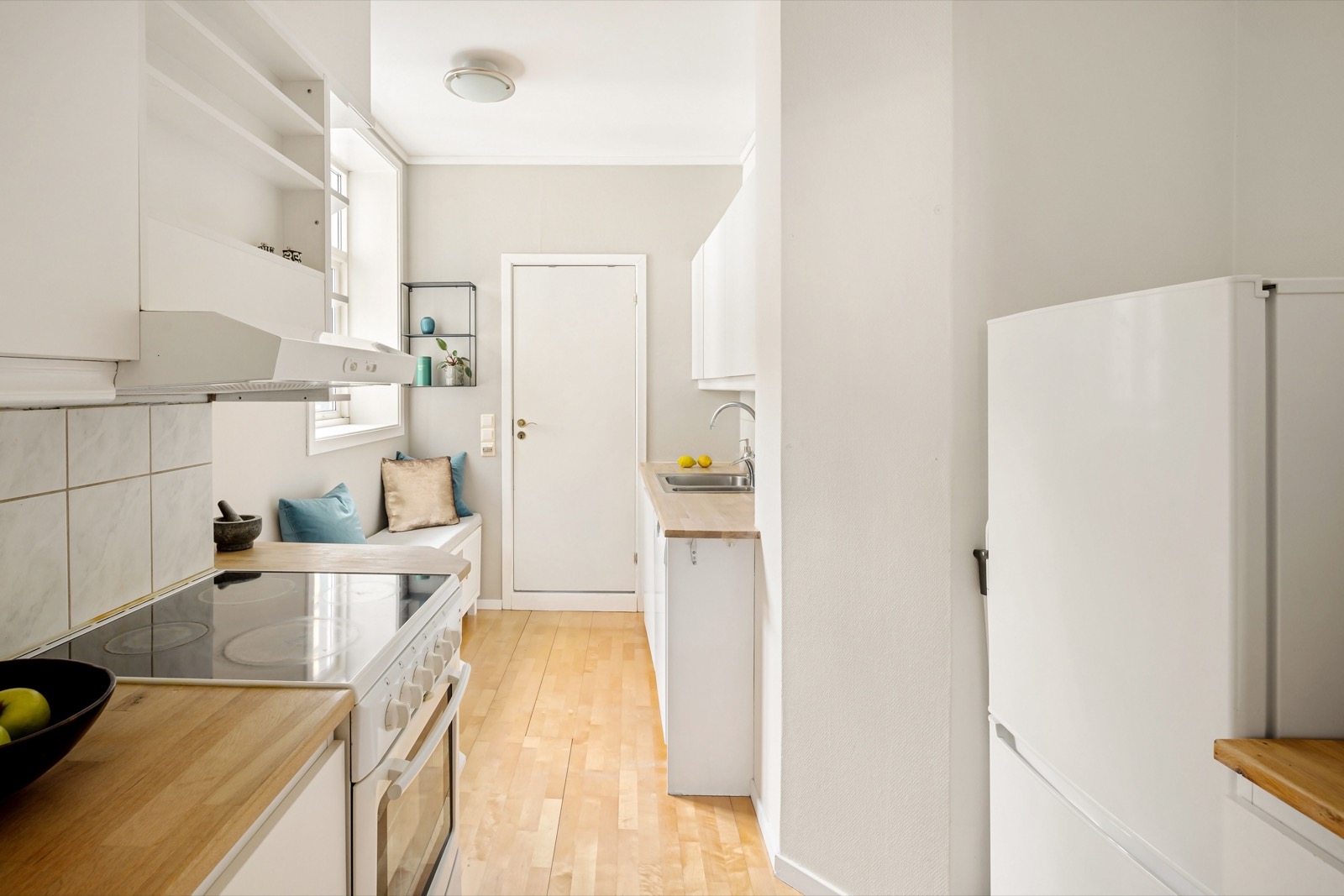
Keep a dated photo record after a cleaning or maintenance job.
Example photos using stock images. All dates, times and addresses are fictional.
Photos: Pavel Danilyuk, Abel Matthew and Lisa Anna / Pexels.
As easy as taking a pic. One click and address with timestamp is automatically added and saved to photo gallery. I have only been using for a few days if anything changes I’ll update this review
App Store (US) ·
Read reviews on the App StoreThere is a lot apps like that, but "Timestamp Camera" definitely deserve attention. Absolute nice app, with wide variety of configurable free and payed options.
App Store (US) · · Excerpt
Read reviews on the App StoreShow an address or coordinates on your photos so the location stays visible alongside the date.
Choose an address or coordinates, show or hide the time, and set the stamp position.
Add your logo, name and contact details for a consistent look across your photos. Custom logos are available with Premium.
Save your stamped photos to Apple Photos.
Choose an address or coordinates, show or hide the time, and set the stamp position.
Take stamped photos in Photo mode. Record videos with Premium.
Add your logo, name and contact details for a consistent look across your photos. Custom logos are available with Premium.
Save your stamped photos to Apple Photos.